War Thunder Beginner's Guide 2026: How to Start Without Wasting Time
How War Thunder's modes, nations, research, currencies and crews fit together, the beginner mistakes that waste time, and a practical plan for your first evening.
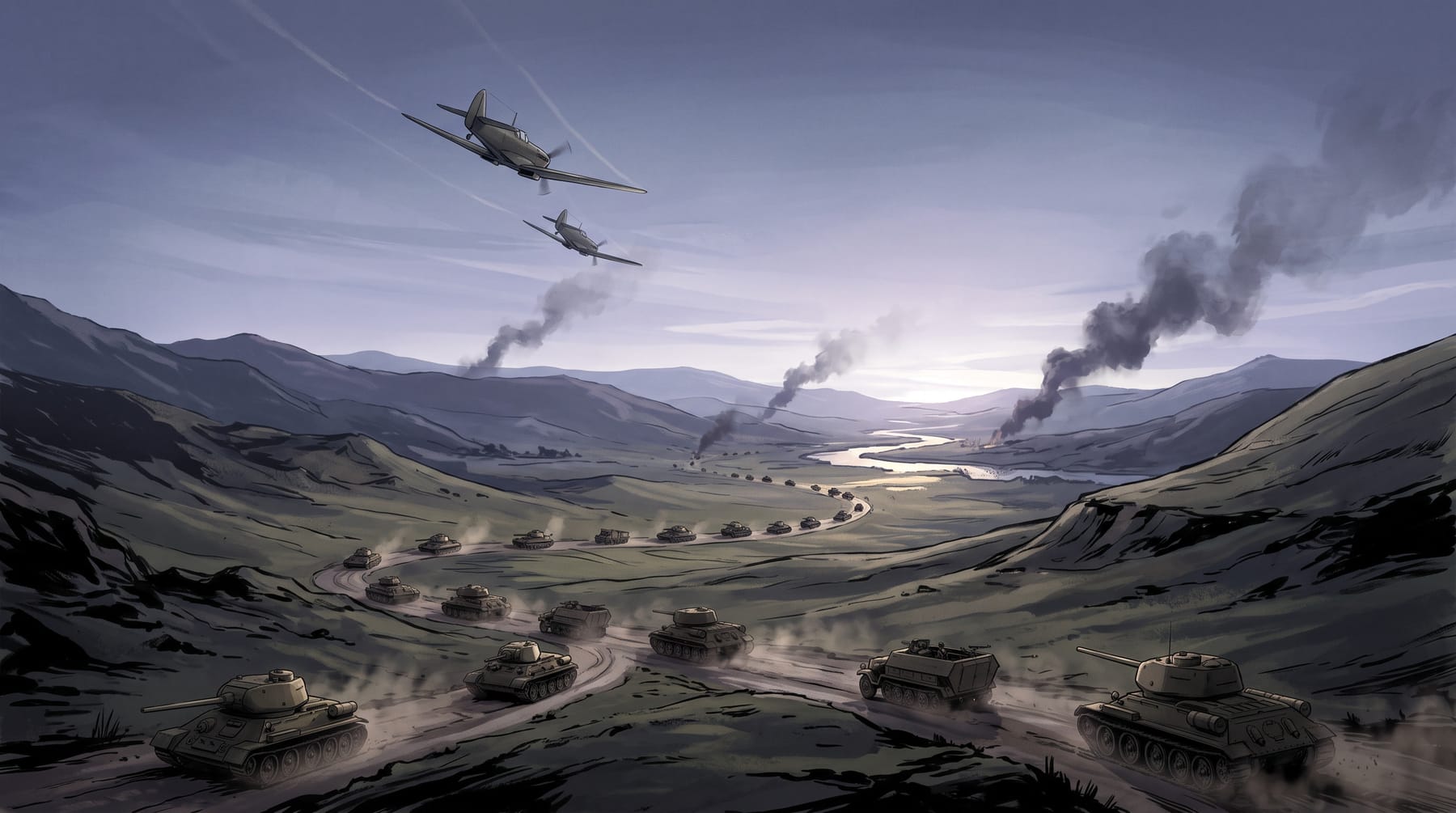
War Thunder is thirteen years old, free, and enormous. That combination is exactly why new players bounce off it: there is no obvious first step, and the wrong one costs weeks. This guide gives you the shape of the game — modes, nations, research, currencies, crews — and a first-session plan that avoids the standard traps. It leans on Gaijin's own documentation wherever possible.
What you are getting into
War Thunder describes itself as a free-to-play, cross-platform MMO military game covering aviation, armoured vehicles and naval craft from the early twentieth century to modern combat units, with over 3,000 vehicles and around 100 maps.
Vehicles are organised into Aviation, Helicopters, Ground Vehicles, Bluewater Fleet and Coastal Fleet.
It released on Windows on 15 August 2013 and has since come to macOS, Linux, PlayStation and Xbox consoles.
The scale is the point and the problem. You will not see most of the vehicle roster for years, and you do not need to. The skill is choosing a small slice and going deep.
The three modes — pick one and stay there
The three main PvP modes are Arcade Battles, Realistic Battles and Simulator Battles. The official wiki also lists Assault as a player-versus-environment mode, event formats such as squadron battles, historical missions, racing, Tank Football and World War mode, and singleplayer options.
Arcade is the most simplified and fastest-paced mode, with a simplified flight model and automatic reloading of rockets, ammunition and bombs. Realistic is aimed at more experienced players: more realistic damage and flight models make it less forgiving and aircraft fly closer to their historical counterparts. Simulator uses the most realistic settings, with only cockpit or gunner views and no ally indicators or kill confirmations.
Start in Arcade. Not because it is easy — it is not — but because it lets you learn how vehicles move and how maps flow without the extra layers. Move to Realistic once you can consistently land hits and survive the first minute. Most players who quit early tried Realistic too soon and concluded the game was unfair.
Choosing a nation
The Steam store lists starter packs for the United States, USSR, Germany, Japan, France, Britain, Italy, China and Sweden, and Gaijin announced Israel as a further playable nation in October 2021.
The beginner's instinct is to try everything. Resist it. Every nation has its own research tree, its own crews to train and its own currency sink. Pick one, ideally one whose early vehicles you find appealing to look at — you will be staring at them for a while — and stay with it until you have a lineup of five or six vehicles you understand. Add a second nation later, when the systems are second nature. Which one is objectively 'best' for beginners changes with balance patches, so distrust any list that answers that confidently.
Research, currencies and crews
Progression runs on Research Points, which unlock modifications and new vehicles, and Silver Lions, the earned currency used to buy and repair them. Golden Eagles are the premium currency; they are not essential but can speed progression.
Each vehicle slot is operated by a crew, and crew skills are trained over time across roles — pilots, gunners, drivers, tank gunners, ship crews and mechanics among them.
Three practical consequences. First, research is per-vehicle: you earn points toward the next vehicle by playing the current one, so playing what you have is progression. Second, repairs cost Silver Lions, so a string of bad matches in an expensive vehicle can lose money — at low ranks this barely registers, which is another reason to stay low for a while. Third, crews are an investment in a slot, not a vehicle; put your early training into the slots you actually use.
The mistakes that waste months
- Spreading across three nations and three vehicle types in the first week. Pick one nation and one type.
- Rushing up the ranks. Higher-rank vehicles cost more to repair and face harder opponents; the game does not get more fun faster than you get better.
- Skipping modifications. Research the core upgrades on a vehicle before moving on; stock vehicles are deliberately weak.
- Buying Golden Eagles before understanding what they buy. Premium currency accelerates a plan; it does not substitute for one.
- Ignoring the daily tasks. They pay Silver Lions and Research Points for things you would do anyway.
Your first session, in order
- Complete the tutorial for one vehicle type — ground or air — and play Arcade only.
- Choose one nation. Buy nothing.
- Play the starter vehicles until you have researched the next rank's first two or three vehicles.
- Research the core modifications on anything you keep using.
- Check the daily tasks before you log off.
- Only when Arcade feels comfortable, try one Realistic match and compare.
→ Best War Thunder PC settings for FPS and visibility
→ Is War Thunder worth playing in 2026?
→ War Thunder hub: everything we have written
Frequently asked questions
Which War Thunder mode should a beginner play?
Arcade Battles. It is the most simplified and fastest-paced mode by Gaijin's own description, and it lets you learn vehicles and maps before Realistic's harsher damage and flight models.
Do I need Golden Eagles to progress?
No. They are the premium currency and can speed progression, but Research Points and Silver Lions, both earned by playing, are what unlock and maintain vehicles.
Sources
- War Thunder on Steam — store page and system requirements — Valve / Steam, accessed 2026-09-03
- War Thunder Wiki (official) — vehicle categories — Gaijin Entertainment, accessed 2026-09-03
- War Thunder — Wikipedia — Wikipedia, accessed 2026-09-03
- Game modes — War Thunder Wiki (official) — Gaijin Entertainment, accessed 2026-09-03
- Realistic Battles — War Thunder Wiki (official) — Gaijin Entertainment, accessed 2026-09-03
- [Development] Israel, a new gaming nation coming to War Thunder! — Gaijin Entertainment, accessed 2026-09-03
- Beginner Guide — War Thunder Wiki (community) — Fandom (community), accessed 2026-09-03
- Crew and Skills — War Thunder Wiki (community) — Fandom (community), accessed 2026-09-03
Read next
Best War Thunder PC Settings for FPS and Visibility
A settings guide that separates performance options from visibility options and admits which recommendations are subjective. No invented FPS numbers.
Is War Thunder Worth Playing in 2026?
Thirteen years on, War Thunder is still among the most-played games on Steam. Here is why, what frustrates people, and who should — and should not — start now.